Searchable exhibitor discovery
Visitors can look up exhibitors, booths, categories, and keywords from a browser on the event website.
Mapboot turns the plan your team already has into a searchable web map. Attendees can find exhibitors, organizers can keep booth details current, and visitors can continue to the organizer's own website when they are ready to take action.
Floor plans change. Booth status changes. Exhibitor details get added late. The map should make those updates easier to manage instead of becoming another file someone has to replace.
Visitors can look up exhibitors, booths, categories, and keywords from a browser on the event website.
Show booth numbers, size, price, availability, and the details your team needs to make a clear decision.
Review searches, listing opens, discovery patterns, and no-result terms after the map starts getting real traffic.
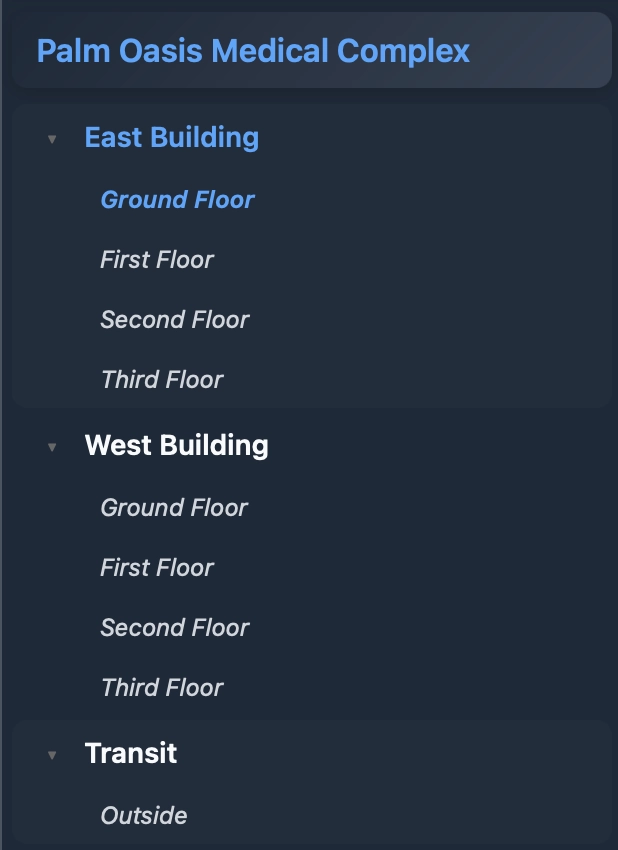
Build out the event structure with buildings, floors, and plans. After the map is ready, organizers can configure booths, availability, exhibitor information, external links, and map settings in a focused workspace.
A booth is easier to understand in context. Mapboot shows the location and information your team controls, then directs interested visitors to the organizer website for the next step.
Explore a live mapVisitors review a booth in the context of the event and see the information the organizer has published.
Each booth can link directly to the organizer's own website when there is a next step to take.
Organizers update booth metadata and status in the editor while keeping event systems and data on their own infrastructure.
Open a Mapboot demo to explore exhibitor discovery, navigation, and organizer-managed booth information in context.