Automate 2026
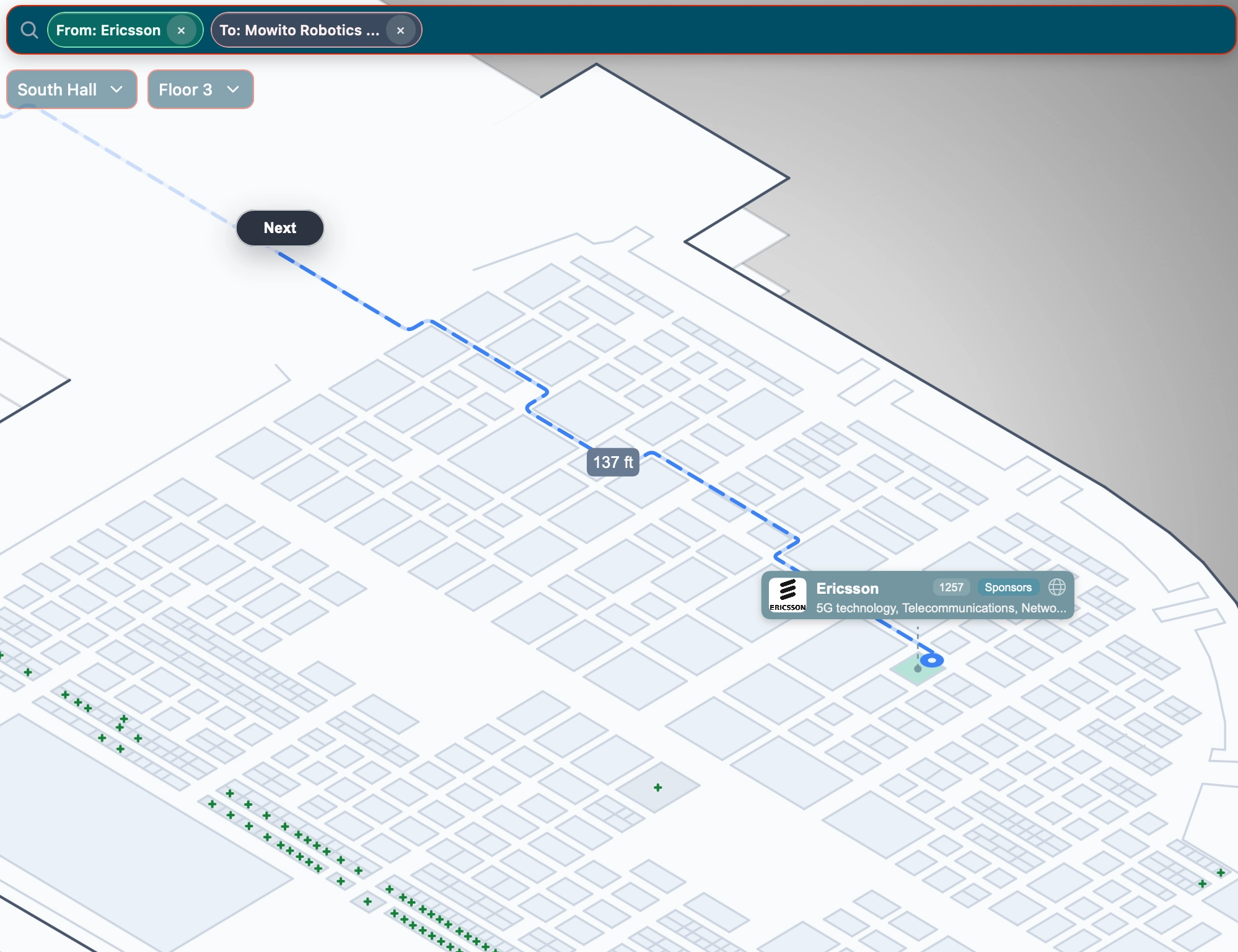
A large technical trade-show example focused on fast exhibitor search, clear navigation, and a dense show floor.
Open the Automate mapEvery show floor has its own shape, audience, and priorities. These live examples show how Mapboot can support attendee search, exhibitor discovery, wayfinding, and organizer-managed booth information across different kinds of events.
The examples below are organized by the problem they are designed to solve, so buyers can compare the parts of the experience that are relevant to their own event.
A large technical trade-show example focused on fast exhibitor search, clear navigation, and a dense show floor.
Open the Automate mapA consumer expo example that brings exhibitor discovery, organizer-managed booth details, and a clear public map into the event experience.
Open the Miami Home Show mapA public-event example designed for fast brand lookup, show-floor orientation, and visitor-friendly wayfinding.
Open the Philadelphia Auto Show mapA business-expo example where visitors need to find vendors, services, and show-floor destinations without friction.
Open the BOMA EXPO mapWhen you open an example, search for an exhibitor or category, inspect a profile, move around the floor plan, and look at how the map behaves on a smaller screen. That is the quickest way to judge whether a live, browser-based map would improve the attendee journey for your event.
Some events need a better public search experience. Others need to make booth selection clearer or help visitors navigate a larger venue. The shared foundation is a map that is easy to keep current and flexible enough to support the work around it.
Search, profiles, and wayfinding help people make better use of their limited time on site.
Profiles and relevant keywords give exhibitors more than a booth number in a static list.
Manage details from the dashboard and add the upgrades that fit the specific event.
We can talk through the map, the attendee experience, and the features that would be useful for your show.